InferPheno™ Account and Data Deletion
InferPheno™ allows users to delete their account and related data directly within the app. Once the account is deleted, users will no longer be able to log in to, access, or recover the account, and all related service benefits will be terminated.This page explains how to delete an InferPheno™ account, what data will be deleted, how data is processed, and important matters to note.
1. How to Delete Your Account in the App
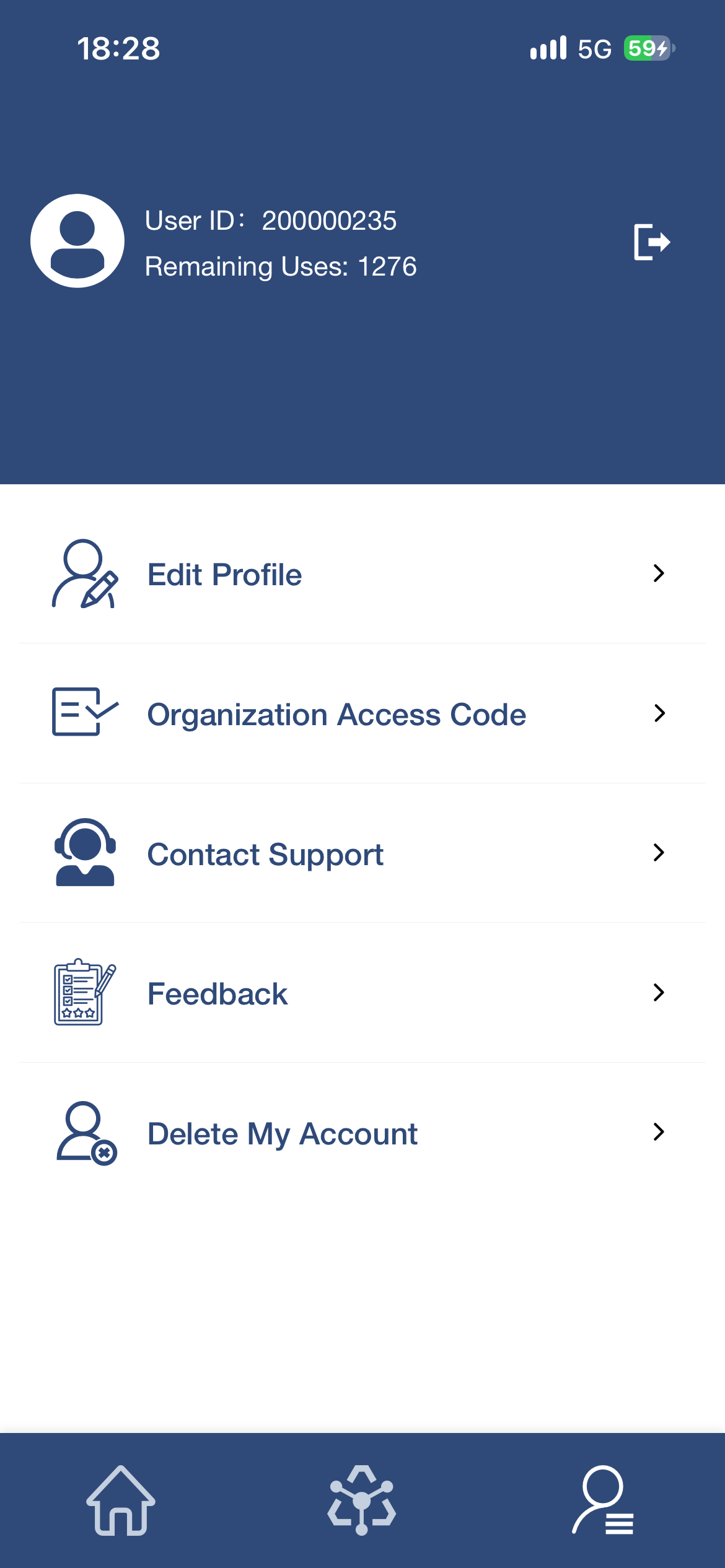
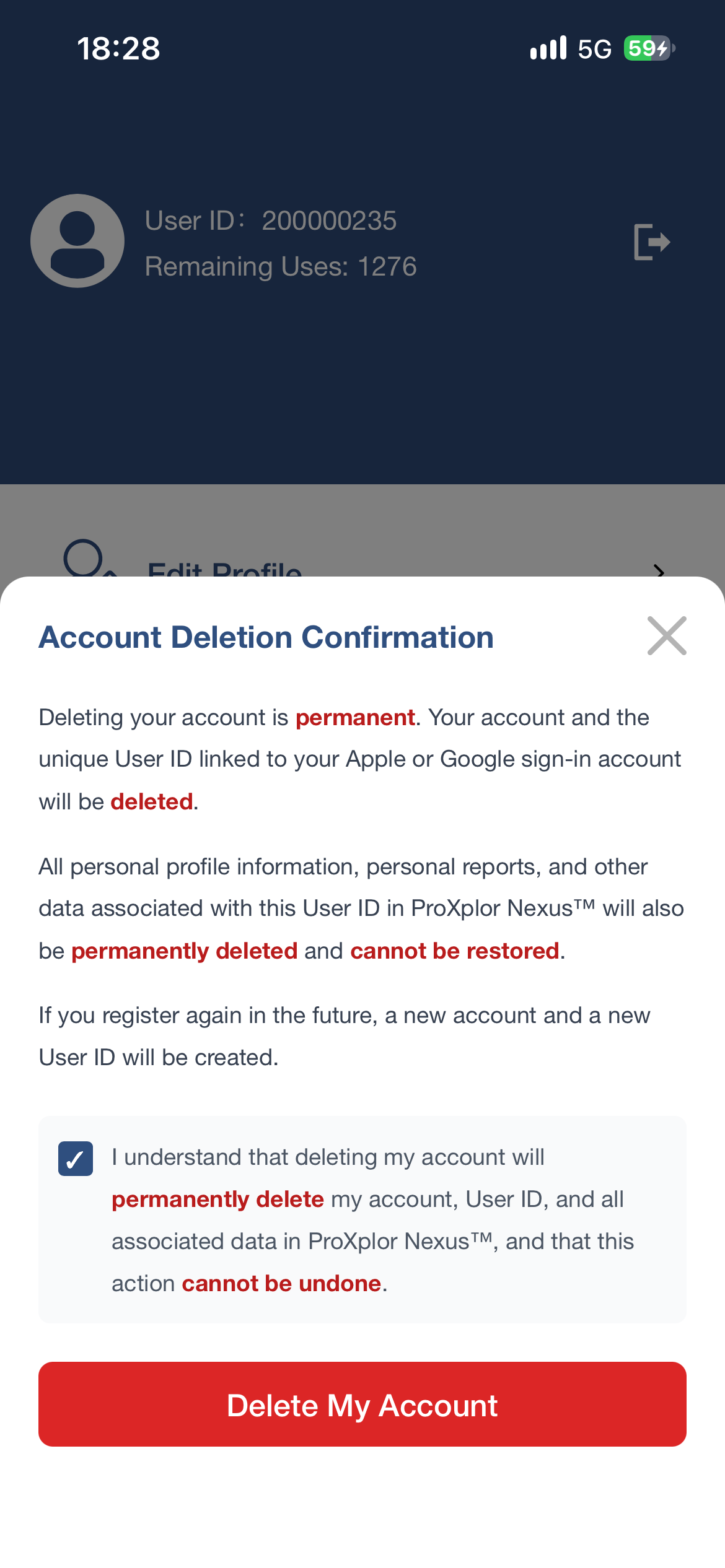
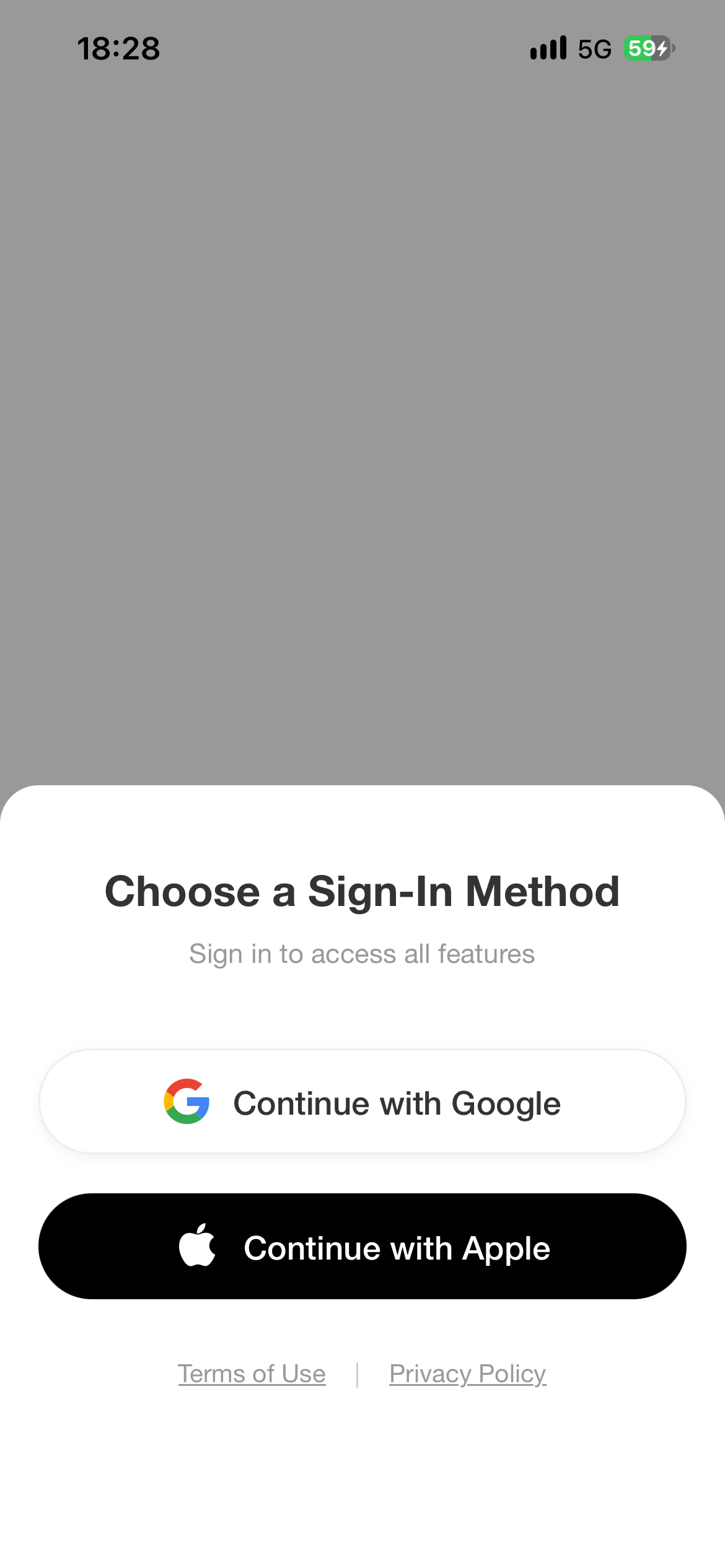
Please follow the steps below:Open the InferPheno™ appSign in with your Google or Apple IDGo to Profile from the right-side tab in the bottom navigation barTap Delete My AccountRead the Account Deletion ConfirmationCheck the confirmation boxTap Delete My Account to complete the account deletion requestOnce the account deletion is completed, you will no longer be able to log in to, access, or recover the account.
2. What Data Will Be Deleted
After account deletion, the following data will be permanently cleared, invalidated, and cannot be restored:Personal profileHistorical assessment recordsReport dataAccount settingsRemaining InferCredits (IC)Other service data associated with the accountRemaining InferCredits (IC) will not be refunded, compensated, or transferred to another account.Uploaded Images:
The front-facing facial photo, side-view facial photo, and front-facing tongue photo uploaded by users are used only to generate the corresponding health assessment report. By default, the system automatically deletes the original uploaded image files approximately 3 minutes after the report is generated.
3. Account Deletion Confirmation
By tapping Delete My Account, you confirm that you wish to permanently delete your InferPheno™ account.Once deleted, you will no longer be able to log in to, access, or recover this account, and all related service benefits will be terminated.After account deletion, your personal profile, historical assessment records, report data, account settings, and any remaining InferCredits (IC) will be permanently cleared, invalidated, and cannot be restored. Remaining InferCredits (IC) will not be refunded, compensated, or transferred to another account, unless otherwise required by applicable laws, regulations, or compliance requirements.
4. Data Retention Notice
InferPheno™ will delete the personal data associated with the account after account deletion is completed.If certain data must be retained for legal, regulatory, compliance, audit, security, anti-fraud, dispute resolution, or other lawful purposes, we will retain only the necessary data within the required scope and process it in accordance with applicable laws and regulations.
5. How to Request Account Deletion If You Cannot Log In
If you are unable to log in to the app or cannot complete account deletion through the in-app process, you may contact us at:Email: support@proxplor.comPlease include the following information in your email:Email subject: InferPheno Account Deletion RequestYour Personal IDA statement requesting deletion of your InferPheno™ account and related dataBecause InferPheno™ uses Google or Apple ID authorization together with encryption and privacy protection measures, we are unable to directly view or identify the Google or Apple ID email address used to sign in to InferPheno™. Therefore, users must provide their Personal ID so that we can accurately identify the account and proceed with system-level deletion.Personal ID is the unique identifier of an InferPheno™ account.We may need to further verify your account identity to ensure that the deletion request is submitted by the account owner.
6. Important Notice
Account deletion is irreversible.Before submitting a deletion request, please confirm that you understand your account, historical reports, account data, and remaining InferCredits (IC) cannot be restored after deletion.
InferPheno™ by ProXplor
Powered by the ProXplor Research Framework™
Official Website: www.proxplor.com
Copyright © 2018–present ProXplor. All rights reserved.
InferPheno™ is a trademark of ProXplor.